
From the Visual Studio Code Marketplace: Code for IBM i
Or from the Extensions view inside of Visual Studio Code.
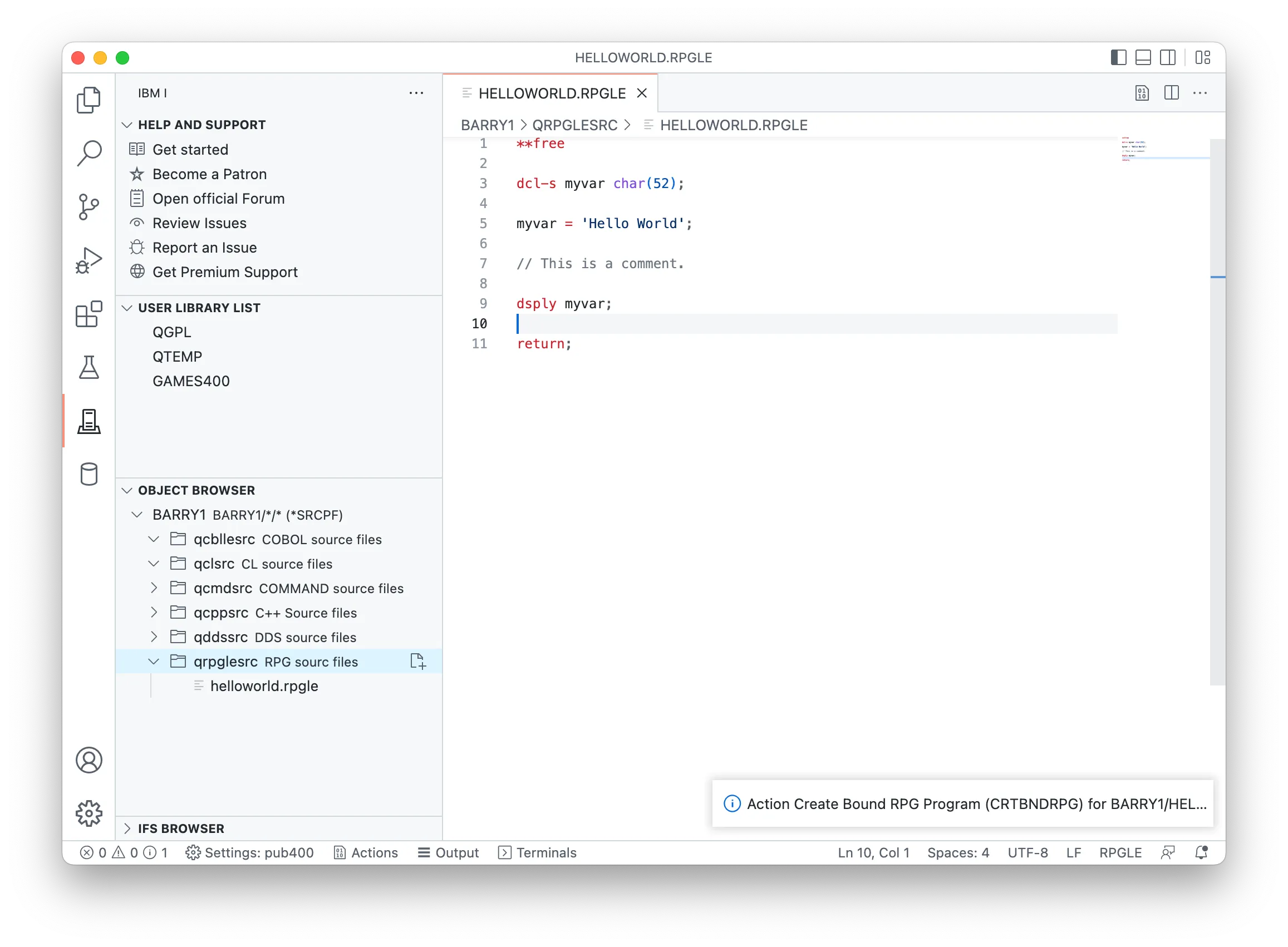
STRTCPSVR *SSHD starts the daemon.QSSHD is enabled.*SIGNON and *DATABASE servers must be running, with TCP ports 8471 and 8476 listening using Mapepire not secured, and TCP ports 9471 and 9476 listening using Mapepire SSL8076)Optionally, ensure you know how to connect to pase from a shell. See this official IBM i OSS docs .
From the Visual Studio Code Marketplace: Code for IBM i
Or from the Extensions view inside of Visual Studio Code.
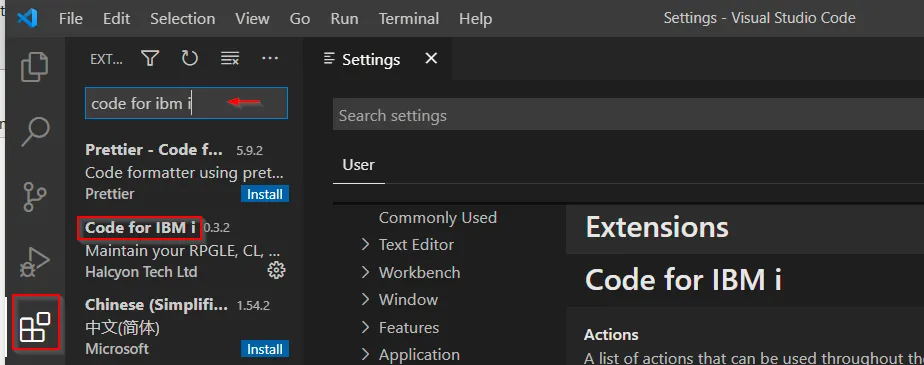
It’s recommended you also install the IBM i Development Pack , a curated set of extensions built on or adding value to Code for IBM i. This includes database tools, RPGLE tools, COBOL tools, and more.
Check out our Developer documentation page!