
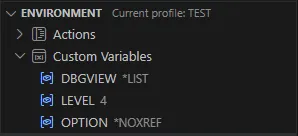
You can create custom variable to use in your Actions Command(s) to run strings.
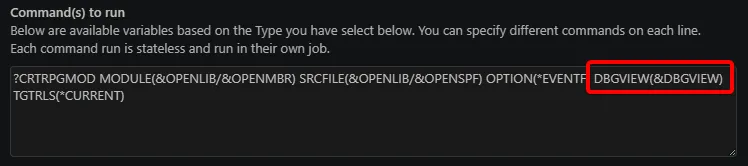
You can create a custom variable using the Custom Variables node’s Declare custom variable inline action.

You’ll be asked for the new variable’s name and then for its value.
Click on a custom variable to open a prompt asking for the new value.

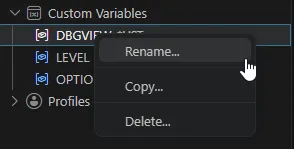
Right click on a profile to get access to the following actions:
In all the CRTBNDxxx actions, add TGTRLS(&TARGET_RLS), like this:
?CRTBNDCL PGM(&OPENLIB/&OPENMBR) SRCFILE(&OPENLIB/&OPENSPF) OPTION(*EVENTF) DBGVIEW(*SOURCE) TGTRLS(&TARGET_RLS)Now a single change to the TARGET_RLS custom variable can impact all the CRTBNDxxx actions.